


Family Tracker allows you to track your wife, husband, children, fiancée and close friends.
Family Tracker Screenshots
- Initial screen used to locate people
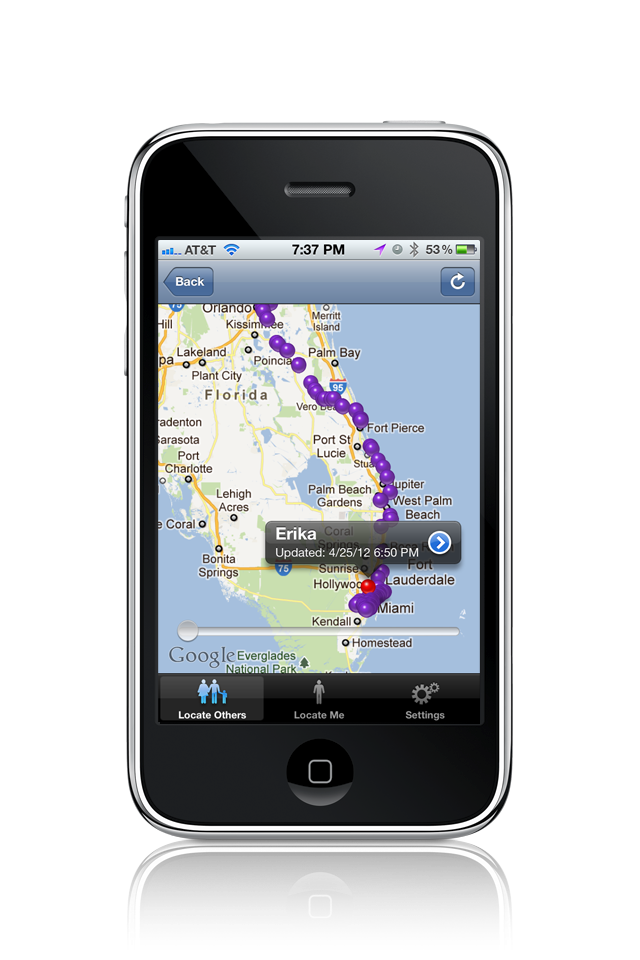
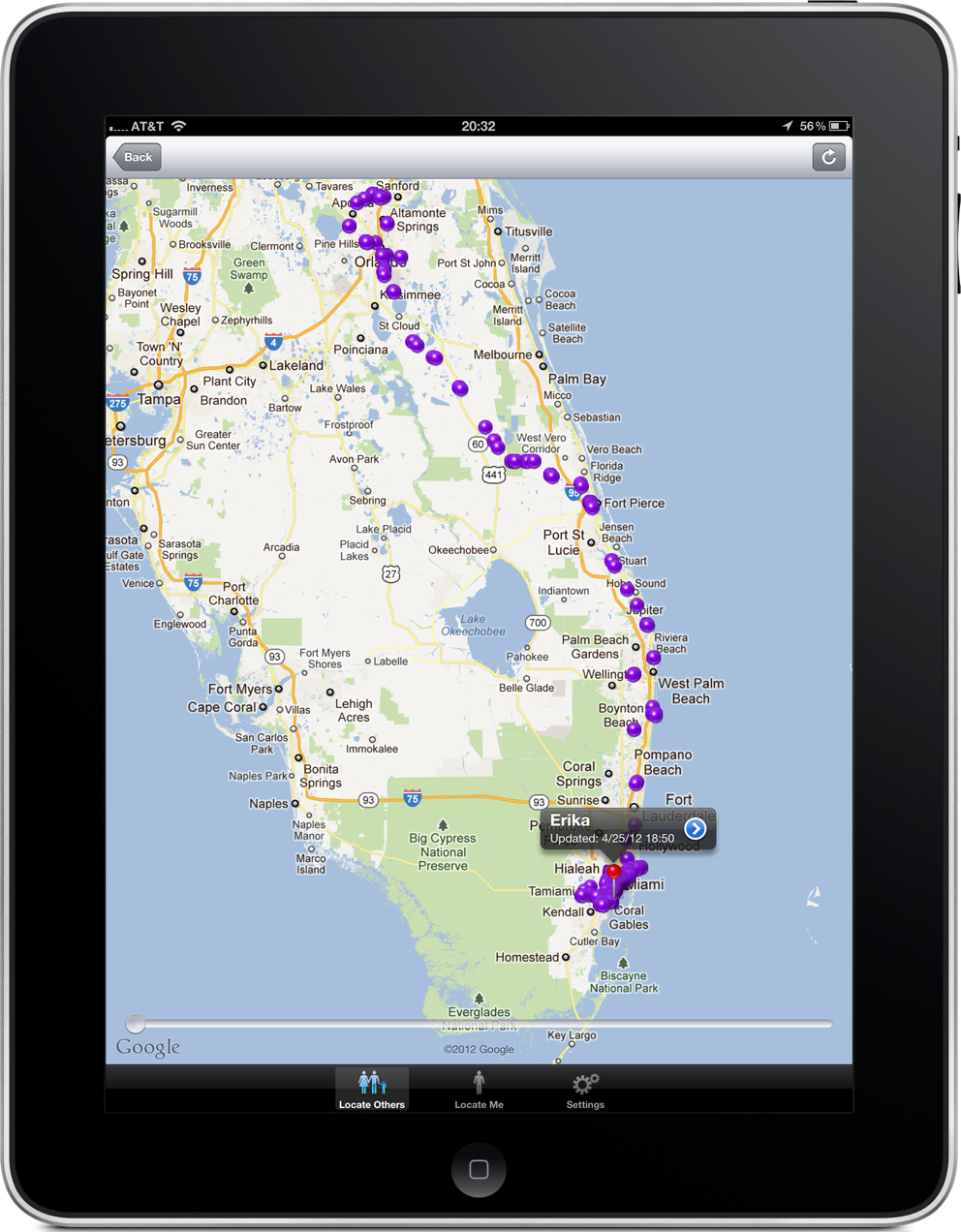
- Map with breadcrumbs for past locations
- Options available when tracking a user
- Pro features available with an optional subscription
- Find out where someone was at a specific date and time
- "Ping" a remote iPhone and display it on a map
- Latest position of a user
- A "pinged" iPhone forced to acknowledge the alert
- Routing directions to a user being tracked
Your wife should be at work but she is not answering her phone and you're afraid she may have had an accident. With Family Tracker you will know she's safe in the office. Your husband tells you he’s going to be late tonight due to a business meeting. Is he really at the office, or is he having dinner somewhere else? Your kids tell you that they are staying late with friends to study for their test. Are they really there, or did they go somewhere else without letting you know?
You can now find out where they are, at anytime, as long as they have their iPhones, iPads or Android phones with them (internet access is required).
Family Tracker does not need to know your phone cell number to function, as it does not send SMS messages for notifications. Your email address is instead used to send free Apple/Google Push Notifications to the devices being tracked. These notifications are free, specific to our Family Tracker application, and work anywhere in the world as long as the device being tracked has internet access via the cellular network or WiFi.
So how does this work?
See the sections below for more detailed functionality.